
PeelFlow

Download PeelFlow

Get the latest desktop build from GitHub Releases. Sign in with your website account; the app checks the server online and does not need a copied license key.

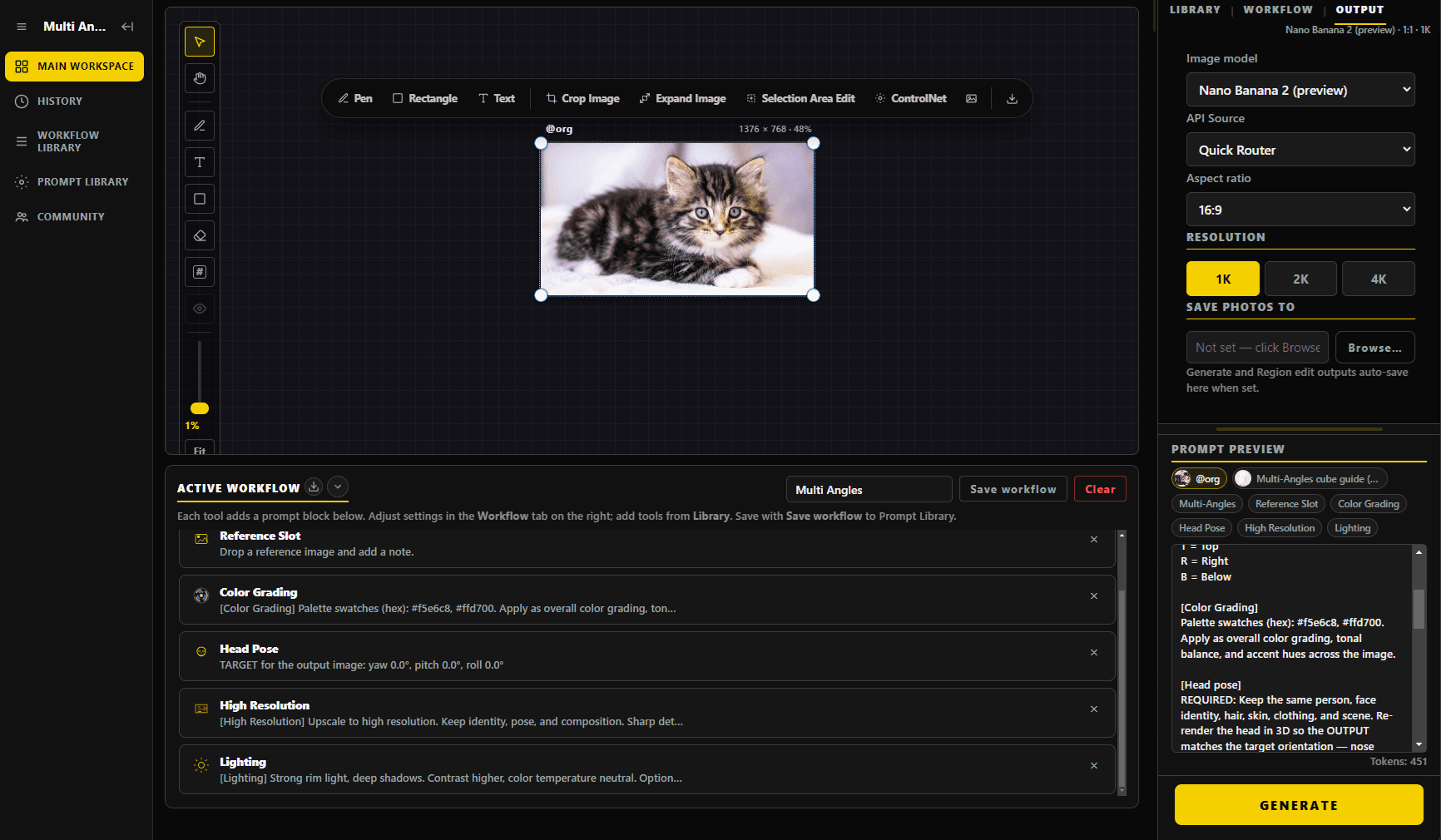
Desktop workspace

After download, sign in with the same website account to compose modules on the canvas and generate images.

PeelFlow real workspace interface
3 views ready

Windows

Windows portable

64-bit portable .exe. Download and double-click — no installer.

PeelFlow-portable.exe · 128 MB · 16 Oct 2026 · not specified · unsigned

Download for Windows

The build is unsigned, so SmartScreen may say Windows protected your PC. Choose More info → Run anyway, or unblock the file in Properties.

macOS

macOS (Apple Silicon)

DMG for M1 / M2 / M3 / M4. Drag PeelFlow into Applications.

PeelFlow-mac.dmg · 188 MB · 16 Oct 2026 · not specified · unsigned

Download for macOS

If macOS says the app cannot be opened, Control-click → Open, or allow it in Privacy & Security. Notarization is not included yet.

All versions: GitHub Releases

System requirements

Windows

Windows 10 or 11 (64-bit), about 200 MB of disk space. Portable — download and run.

macOS

Apple Silicon (M1 / M2 / M3 / M4). macOS 13 or later recommended.

Network

An internet connection is required so the app can authenticate with the server.

A website account license is required

After download, sign in to the desktop app with your website account. Or sign up and start a 14-day trial. The app only runs while it can authenticate with the server.

Get a license