
Windows
Windows 免安装版
64-bit portable .exe,下载后双击即可运行,不必安装。
PeelFlow-portable.exe · 128 MB · 2026年10月16日 · not specified · unsigned
下载 Windows 版未经签名,SmartScreen 可能提示「已保护你的电脑」。选「更多信息」→「仍要运行」,或在文件属性取消封锁。
桌面工作区
下载后用同一个官网账号登录,即可在画布上组合模块并生成图像。
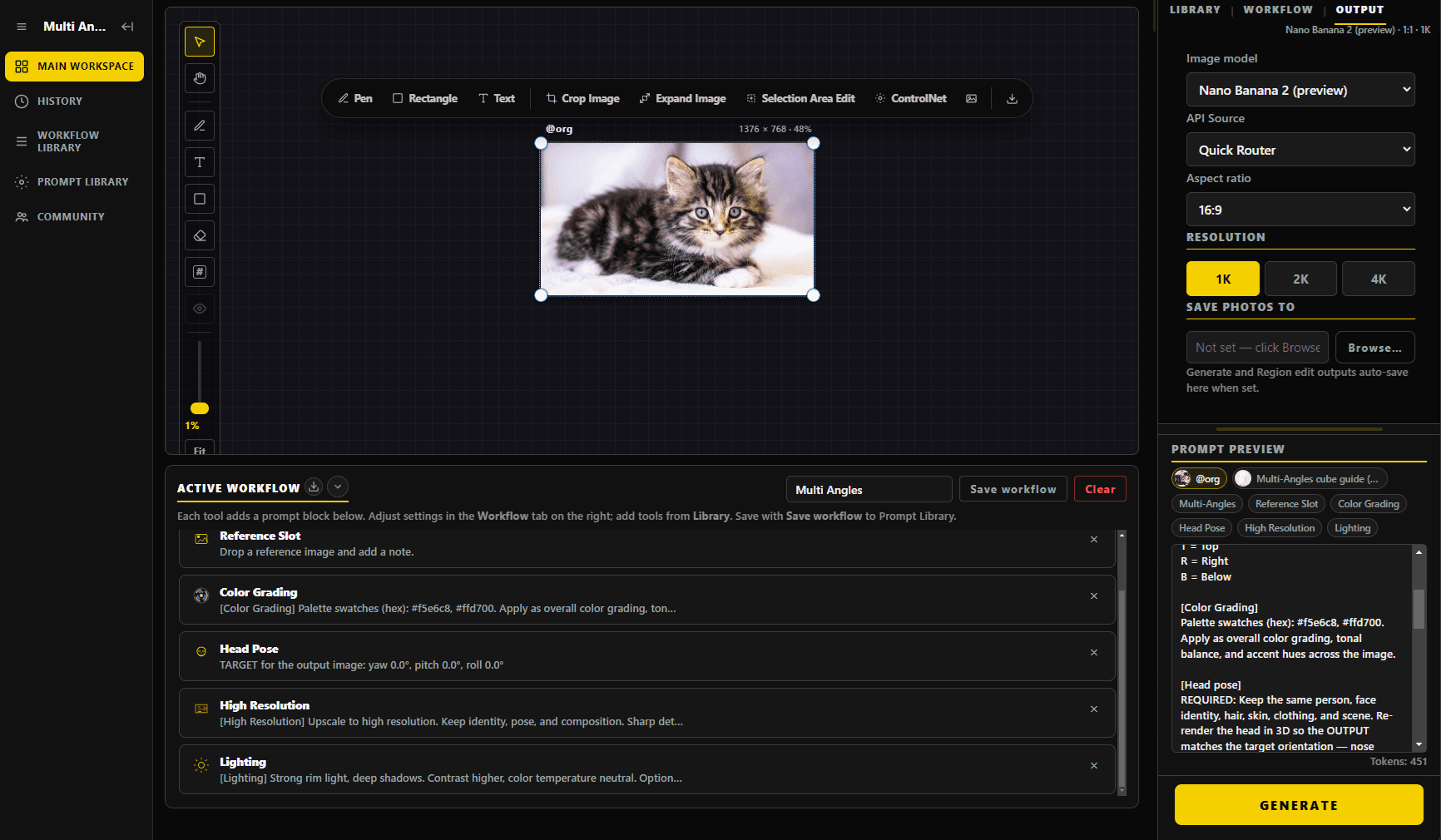
Windows
64-bit portable .exe,下载后双击即可运行,不必安装。
PeelFlow-portable.exe · 128 MB · 2026年10月16日 · not specified · unsigned
下载 Windows 版未经签名,SmartScreen 可能提示「已保护你的电脑」。选「更多信息」→「仍要运行」,或在文件属性取消封锁。
macOS
适用于 M1 / M2 / M3 / M4 的 DMG。把 PeelFlow 拖进 Applications。
PeelFlow-mac.dmg · 188 MB · 2026年10月16日 · not specified · unsigned
下载 macOS 版未经公证时,若系统说无法打开:按住 Control 再点 App → 打开,或到「隐私与安全性」允许。
所有历史版本: GitHub Releases
Windows
Windows 10 或 11(64-bit),约 200 MB 磁盘空间。免安装,下载后即可运行。
macOS
Apple Silicon(M1 / M2 / M3 / M4),建议 macOS 13 或更新。
网络
需连上网络,向服务器认证后才能使用。
下载后用官网账号登录桌面程序。尚未购买可先注册并开始 14 天试用。程序需连线服务器认证。